How to join the Discord Server
-
Click the Join the Discord Server button (located on the Chat Online page). This will open a new tab.
-
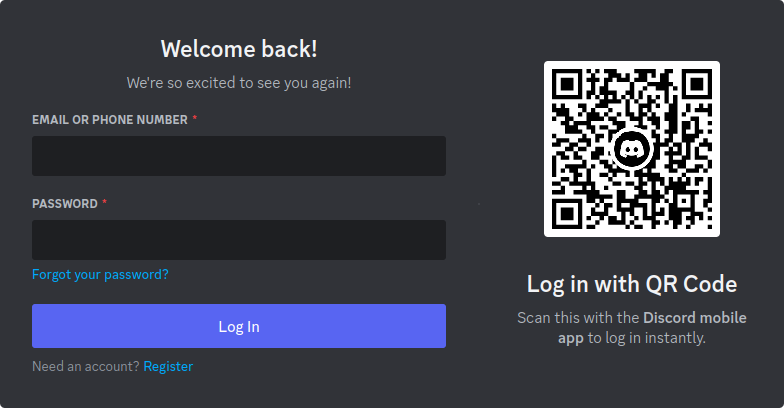
If you are not logged in to Discord in your browser, you will need to log in. If you don't have a Discord account, you will need to create one by clicking the Register link. Need more help logging in?
-
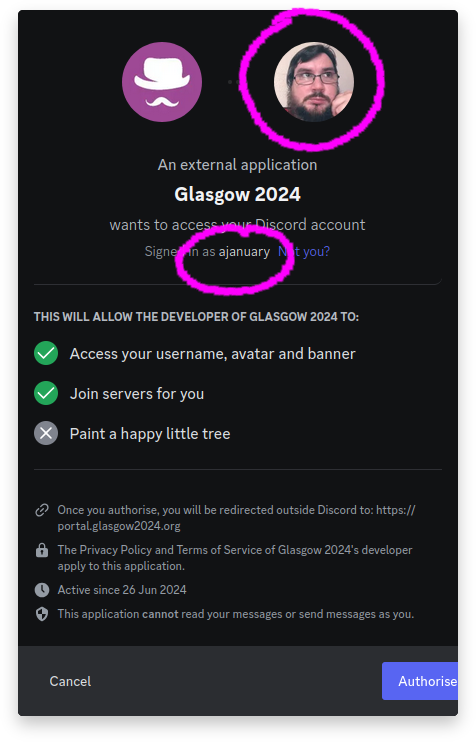
If you are already logged in, make sure you are logged in to the same account that you want to use to join the convention Discord. You can use the avatar and username to check which user you are logged in as. If you are logged in as the wrong user, click the Not You? link.
-
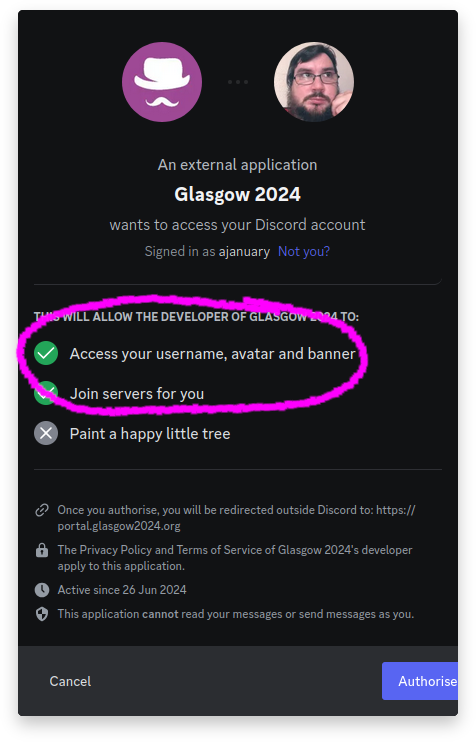
Review the permissions we are requesting. We ask for your Discord username so that we can associate your Discord account with your convention membership. (Discord does not allow us to request this information without also requesting your avatar and banner)
-
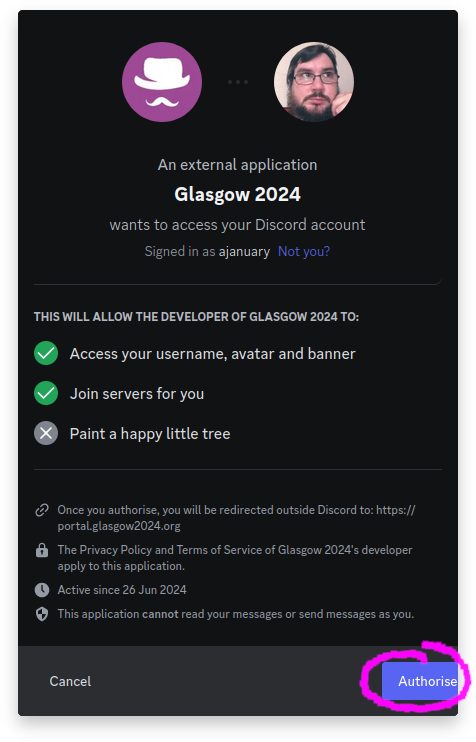
Click the Authorize button.
-
If you have the Discord app installed, it will open the Discord app. Otherwise, it will take you to the Discord website.
-
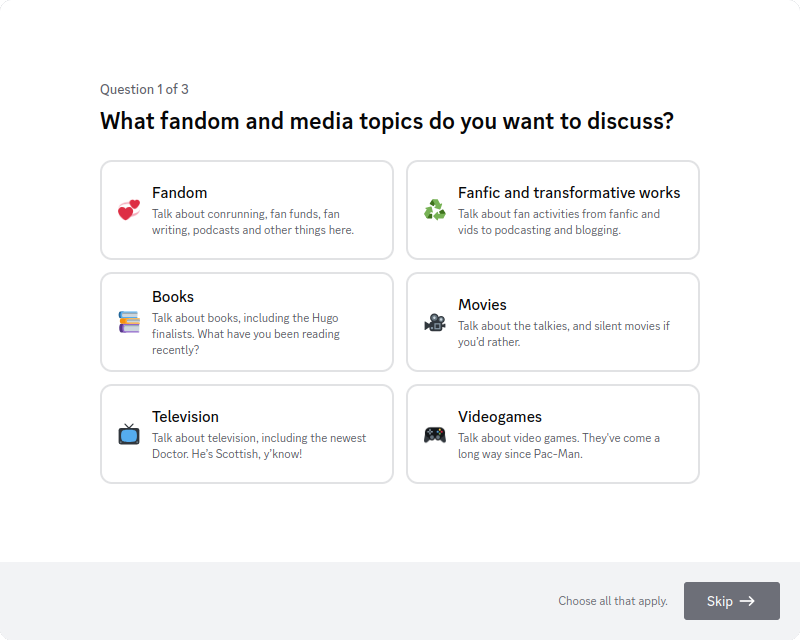
Fill out the onboarding questions. These are aimed at making sure you see the correct channels. If any of the questions don't apply to you, you can always just click Skip.
-
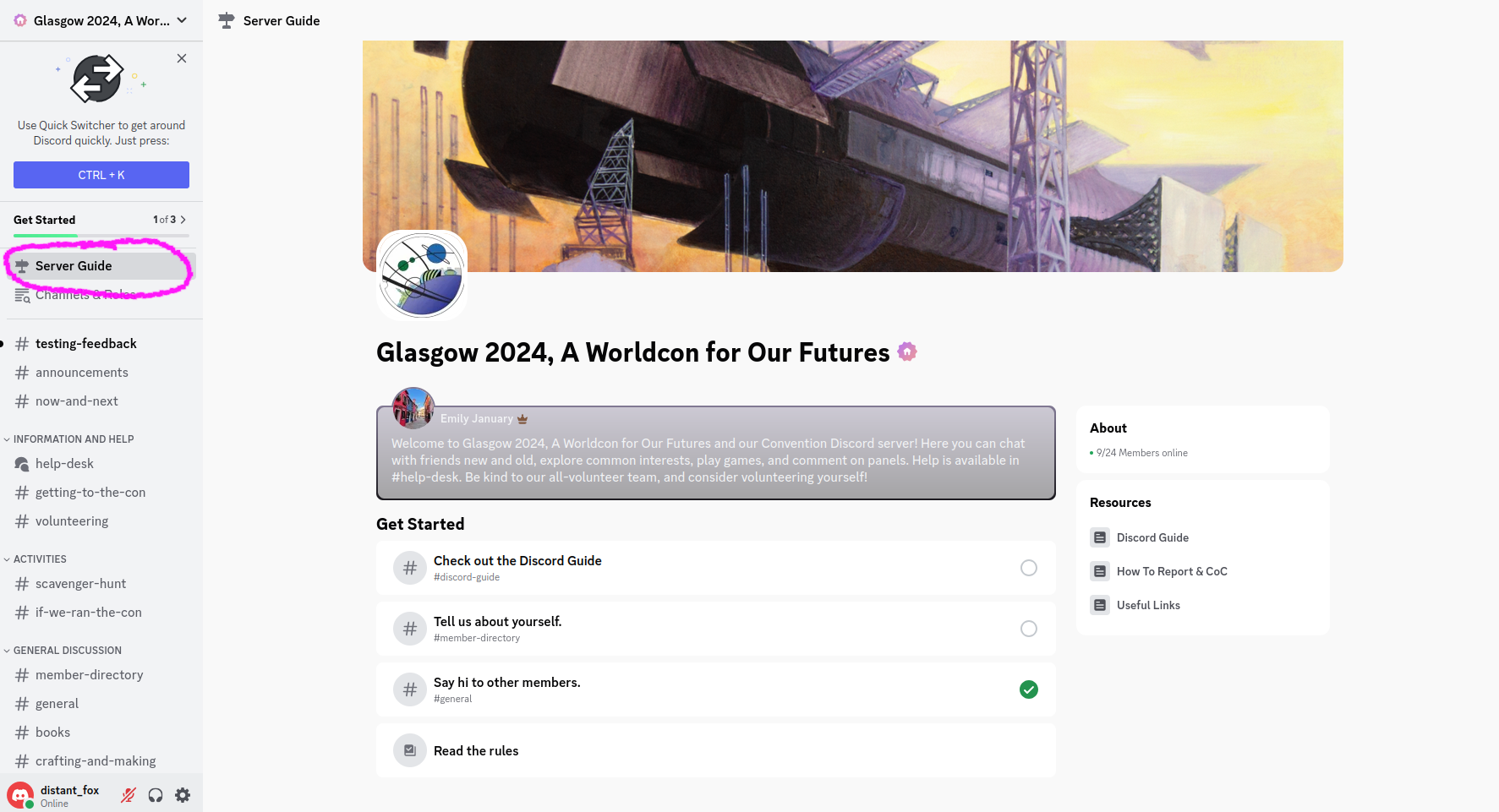
You can get back to the server guide to complete the other tasks by clicking the Server Guide link in the channel list list on the left.